10FastFingers is one of those websites that everyone has used at least once.
You open it. You take the 1-minute test. You get a WPM score. You close the tab. Maybe you come back a few months later and try again.
It's the McDonald's of typing tests. Consistent, familiar, and everywhere. Over 40 languages. A simple interface. A score you can compare with friends.
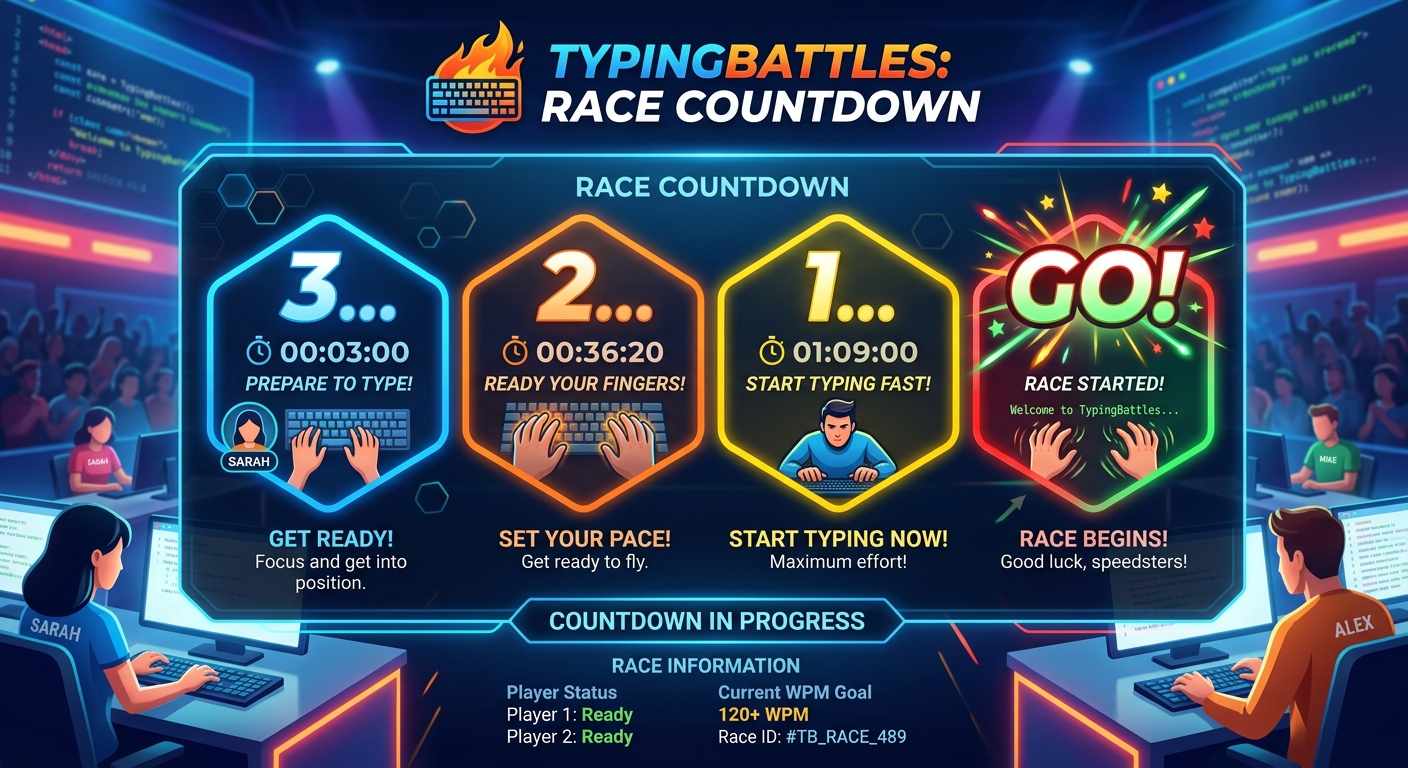
Then there's TypingBattles. A newer platform with a different philosophy. Instead of a 1-minute test against a timer, you race real people in real-time. Head-to-head. Live. No waiting for a final result.
I spent 30 days on each platform. Same keyboard. Same time of day. Same session length. I tracked my WPM, my accuracy, and my honest reaction to both.
Here's what I learned.
The Quick Comparison
Before we get into the details, here's the snapshot.
| Feature | 10FastFingers | TypingBattles |
| Primary focus | 1-minute typing test | Real-time multiplayer racing |
| Languages | 40+ | Primarily English |
| Test modes | Typing test, custom mode, text practice | Difficulty-based races |
| Multiplayer | Up to 4 players, final result only | Head-to-head, live progress bars |
| Anti-cheat | Required for scores over 120 WPM | Built-in |
| Progression | Points, levels, exponential scaling | Leaderboard ranking |
| Competitions | 24-hour typing challenges | Continuous racing |
| Price | Free | Free |
| Sign-up required? | Optional | Optional |
| Best for | Quick benchmarks, language variety | Pressure training, real-time racing |
They're both free. They're both useful. But they serve different purposes. And understanding that difference changed how I practice.
What 10FastFingers Does Better
Let me give credit where it's due. 10FastFingers has earned its place.
The Language Variety Is Unmatched
10FastFingers supports over 40 languages. That's not a marketing line. It's real. You can test your typing speed in English, Spanish, French, German, Portuguese, Turkish, Arabic, Chinese, Japanese, and dozens more.
For multilingual typists, this is huge. There's no other free platform that offers this breadth. If you type in more than one language, 10FastFingers is the obvious choice.
The Test Is Fast and Simple
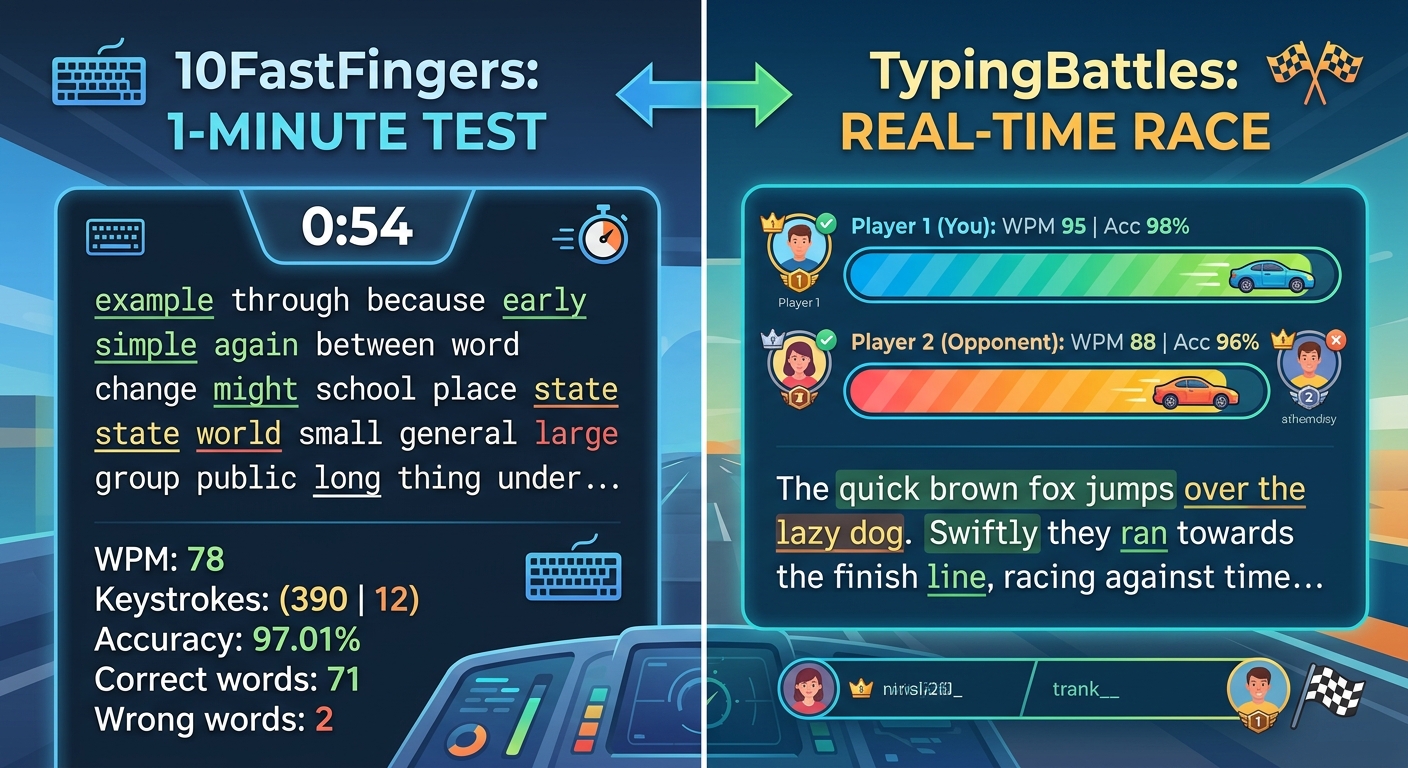
The core experience is a 1-minute test using the top 200 words of your chosen language. You type. You get a score. You compare with friends.
No complicated settings. No learning curve. Just a clean, fast benchmark. According to the platform, you can "quickly see how fast you can type and compare your result with your friends" [4†L2-L4].
For a quick check-in, nothing beats it. It's the fastest way to answer the question, "How fast am I typing today?"
The Anti-Cheat System Is Serious
10FastFingers doesn't let you fake your score. If you type over 120 WPM, you have to complete an anti-cheat test to unlock your result. According to their FAQ, "If you receive a result over 120 WPM you have to unlock it with an anti-cheat-test" [6†L20-L22].
That means the leaderboards are more trustworthy than most. When you see a 150 WPM score, you know it's real. That matters for anyone who takes competitive typing seriously.
Competition Mode Is Genuinely Good
10FastFingers runs 24-hour typing competitions. You join a challenge, race to get the highest score, and climb the ranks. According to their site, "Dive into the exciting world of both public and private competitions, where users can join the 24-hour typing challenge, compete for the highest score, and climb the ranks" [4†L20-L24].
It's a different format from TypingBattles. Not live racing. More like a marathon. But it's engaging. And it gives you something to chase beyond a single test.
Points and Levels Keep You Coming Back
10FastFingers has a progression system. You earn points based on the time spent in various modes. Each second contributes to your total score. They use an exponential level scaling system, which means higher levels require increasingly more effort to achieve [4†L12-L15].
It's not as addictive as Nitro Type's car collection. But it's a reason to come back. And for some people, that's enough.
Where 10FastFingers Falls Short
Now here's the honest part.
The Multiplayer Is Barely Multiplayer
10FastFingers does have multiplayer. You can race up to 4 players at once. According to their site, "In multiplayer mode, you compete against up to four real players at the same time. The first player to correctly type all words wins" [3†L29-L32].
But here's the problem. You don't see your opponents' progress in real-time. You only see the final result. As TypingFastest's comparison put it, "10FastFingers... show opponents' progress in real time, only the final result" [3†L23-L25].
That means you don't feel the pressure of a live race. You don't see someone pulling ahead. You don't see them catching up. You just type, and then you find out if you won.
That's not racing. That's a simultaneous test.
The Default Test Is Repetitive
The 1-minute test uses the top 200 words of your language. That's it. The same 200 words, over and over.
It's a good benchmark. But it's not varied. You're not training for real-world typing. You're training for a specific set of 200 words.
After a few weeks, the test starts to feel like a chore. You're not learning anything new. You're just measuring the same thing again and again.
There's No Pressure
This is the big one. On 10FastFingers, you're typing against a timer. There's no opponent trying to beat you. There's no adrenaline. There's no fear of losing.
That emotional engagement matters. It's the difference between practice and competition. And competition drives improvement faster.
What TypingBattles Does Better
Now here's where the challenger fights back.
Real-Time Racing
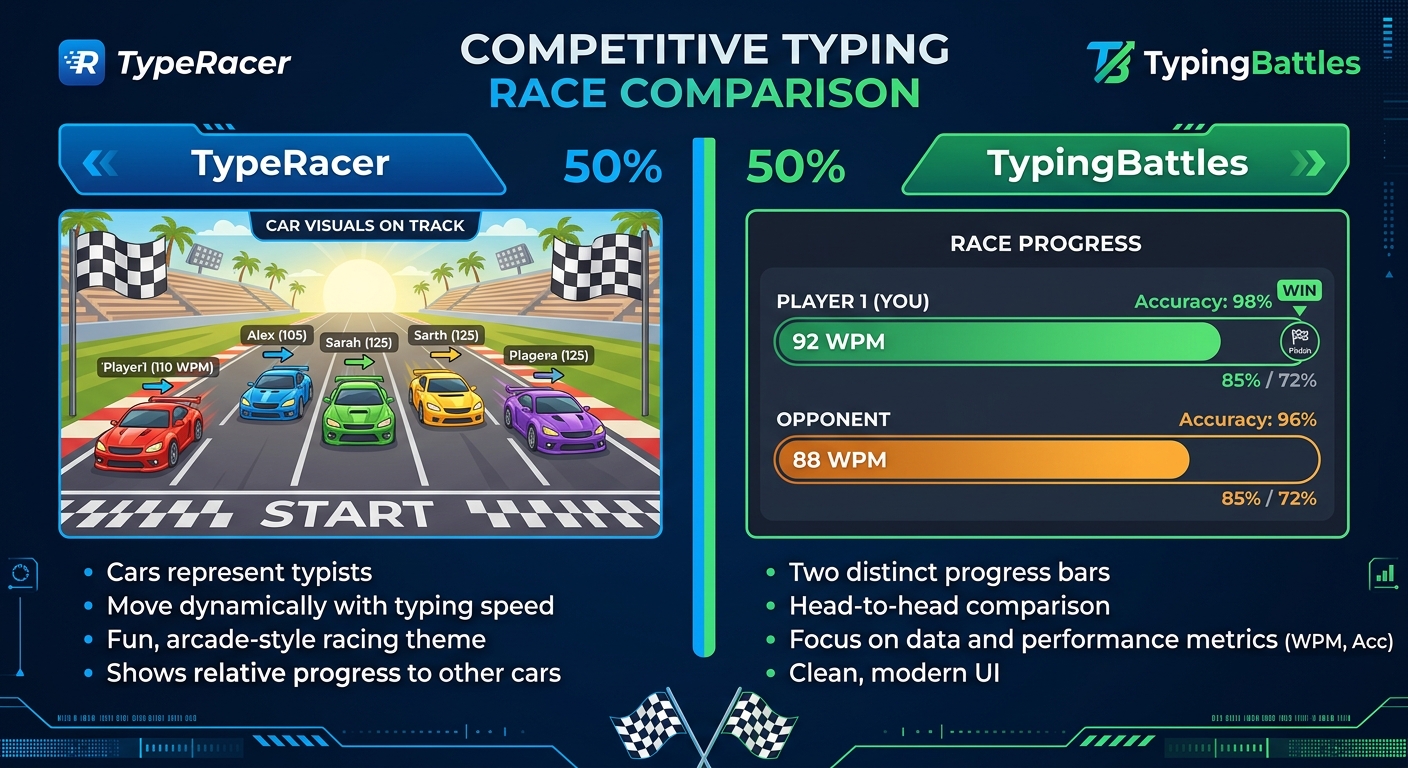
This is the core difference. On TypingBattles, you race a real person. You see their progress bar move in real-time. You see them pulling ahead. You see them falling behind.
That changes everything.
When I race a timer, I push myself. But when I race a human, something else kicks in. Adrenaline. Focus. The fear of losing. My WPM on TypingBattles consistently ran 5-8 words higher than my 10FastFingers scores. Not because I'm better. Because the pressure is higher.
Four Difficulty Levels
10FastFingers uses the same top 200 words for everyone. TypingBattles lets you choose from four levels — Beginner, Intermediate, Advanced, and Expert.
That means you can warm up on easy text and push yourself on hard text in the same session. It's a small feature that makes a big difference.
Zero Friction
On TypingBattles, you can jump straight into a race with no account, no sign-up wall, and no waiting. You click "Find Opponent," and you're racing almost immediately.
10FastFingers also lets you test without an account. But its multiplayer requires more steps. And the matchmaking isn't as fast.
Live Progress Bars
This is the feature that 10FastFingers is missing. On TypingBattles, you see your opponent's progress in real-time. You know if you're winning. You know if you're losing. You know if you need to push harder.
That constant feedback is what makes racing feel like racing. Without it, you're just typing next to someone.
My 30-Day Experiment Results
Here's what actually happened when I tracked both platforms.
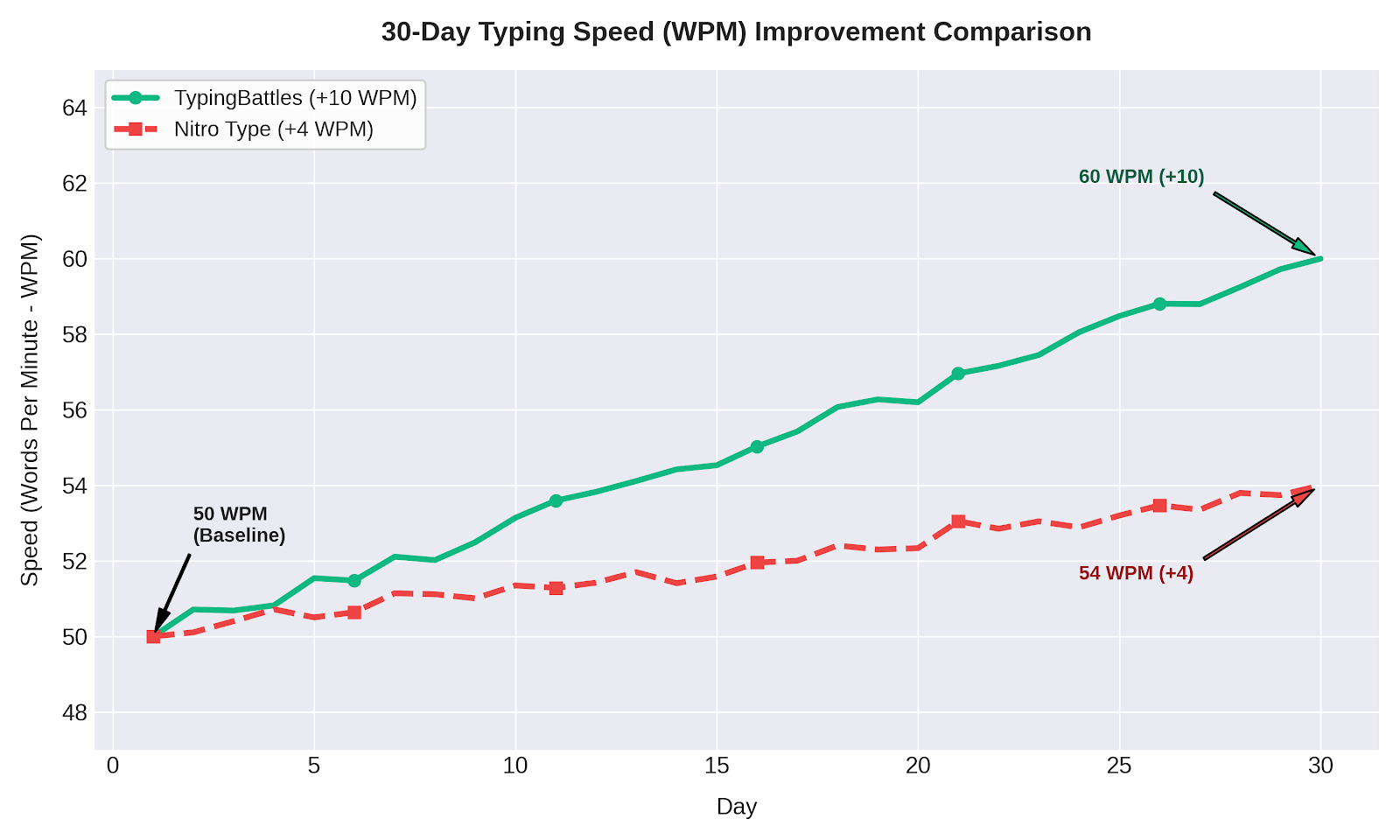
Month 1: 10FastFingers Only
- Starting WPM: 80
- Ending WPM: 84
- Improvement: +4 WPM
- Accuracy: 96% to 97%
- Sessions: 30 (daily, 15 minutes each)
10FastFingers was fine. The tests were quick. The scores were consistent. But the repetitive text got boring fast. And the lack of pressure meant I wasn't pushing myself as hard as I could.
Month 2: TypingBattles Only
- Starting WPM: 84
- Ending WPM: 94
- Improvement: +10 WPM
- Accuracy: 97% to 98%
- Sessions: 30 (daily, 15 minutes each)
TypingBattles was faster. The live races meant less waiting and more pressure. The difficulty levels let me control the challenge. And the lack of repetition meant I stayed engaged.
Why the Difference?
Two things.
Real-time pressure. Seeing your opponent's progress bar move is a performance enhancer. It forces you to type faster and cleaner than you would alone.
Variety. The difficulty levels and varied text kept me engaged. I wasn't typing the same 200 words every day. I was racing on different passages at different difficulty levels.
Who Each Platform Is For
Use 10FastFingers If:
- You want a quick, simple typing benchmark
- You type in multiple languages
- You want a serious anti-cheat system
- You want to join 24-hour competitions
- You prefer a solo test without pressure
Use TypingBattles If:
- You want real-time racing against real people
- You want to see your opponent's progress live
- You want difficulty control
- You want faster matchmaking and less waiting
- You want pressure that drives improvement
Use Both If:
- You want the best of both worlds
- You're serious about improving your typing speed
- You want a quick benchmark and a real race in the same session
My Current Routine~
After 30 days on each, here's what I do now.
Warm up on 10FastFingers. One 1-minute test to get my baseline speed for the day.
Race on TypingBattles. Ten minutes of live races against real opponents.
Cool down on 10FastFingers. One more 1-minute test to see if my speed held up under pressure.
This combination gives me the best of both platforms. The quick benchmark of 10FastFingers. The live pressure of TypingBattles. The language variety of 10FastFingers. The difficulty control of TypingBattles.
The Bottom Line
10FastFingers is the classic. TypingBattles is the challenger. Both are excellent. Both will make you faster.
But if I had to choose one? I'd choose TypingBattles. Not because 10FastFingers is bad. Because TypingBattles gave me real-time pressure and live opponents. And that translated to faster improvement.
That said, you don't have to choose. Use 10FastFingers for quick benchmarks and language variety. Use TypingBattles for racing and pressure training.
Your fingers will thank you either way.
Key Takeaways
- 10FastFingers supports 40+ languages and has a serious anti-cheat system.
- TypingBattles offers real-time racing with live progress bars and four difficulty levels.
- 10FastFingers multiplayer only shows the final result, not live progress.
- TypingBattles shows your opponent's progress bar in real-time.
- My 30-day test: TypingBattles drove +10 WPM improvement vs 10FastFingers' +4 WPM.
- Best approach: Use both. 10FastFingers for quick benchmarks. TypingBattles for pressure training.
Author Bio
Abid is a competitive typist on TypingBattles (105 WPM, 400+ wins). He spent 30 days on 10FastFingers before switching to TypingBattles full-time. He still uses 10FastFingers for quick benchmarks. His 10FastFingers score is 92 WPM. His TypingBattles rank is higher. He credits real-time pressure for the difference.
Recommendation
Ready to race real opponents? Find out if live pressure makes you faster.
TypingBattles is free. No account needed. Just click, race, and see where you stand.