I have a confession.
For two years, Monkeytype was my daily ritual. I opened the site. I typed for fifteen minutes. I closed the tab. I did this every single day. My WPM climbed from 78 to 88. I felt fast.
Then I tried TypingBattles. And I realized something uncomfortable. All that solo practice had made me good at typing tests. It hadn't made me good at typing under pressure.
So I ran an experiment. Thirty days on Monkeytype. Thirty days on TypingBattles. Same keyboard. Same time of day. Same practice duration. I tracked everything.
Here's what I learned.
The Quick Comparison
Before we get into the details, here's the snapshot.
| Feature | Monkeytype | TypingBattles |
| Primary focus | Solo speed testing | Real-time multiplayer racing |
| Launch year | 2020 | Newer platform |
| Design | Minimalist, distraction-free | Competitive, gamified |
| Customization | Extensive (400+ themes, 40+ Funbox modes) | Focused on racing modes |
| Test modes | Time, words, quotes, zen, custom | Difficulty-based races |
| Opponent | Timer only | Real human opponents |
| Progress tracking | Deep analytics, per-test graphs | Race history and leaderboard |
| Leaderboards | Daily, weekly, all-time | Global ranking |
| Price | Free (open source) | Free |
| Sign-up required? | Optional | Optional |
| Best for | Solo improvement, data nerds | Competitive pressure, racing |
They're both free. They're both excellent. But they serve different purposes. And understanding that difference changed how I practice.
What Monkeytype Does Better
Let me give credit where it's due. Monkeytype is a masterpiece of minimalist design.
The Customization Is Unmatched
Monkeytype offers over 400 built-in themes. You can create your own with ten customizable color values. You can change the caret style (block, outline, underline, even a banana). You can adjust sound effects, error handling, and input behavior down to the smallest detail.
Want to test yourself on 500 random words with punctuation and numbers? You can. Want a clean 15-second sprint on the top 200 most common English words? You can do that too. Want to practice code syntax in JavaScript or Python? Monkeytype has a code mode for that.
The test modes include time-based (15s, 30s, 60s, 120s, or custom), word count (10, 25, 50, 100, or custom), quote mode (short, medium, long, thicc), zen mode (no time limit, no word count, just typing), and custom mode where you paste your own text.
If you want to measure your raw mechanical speed in a controlled, endlessly configurable environment, Monkeytype is the gold standard. There's no debate.
The Analytics Are Deep
After each test, Monkeytype gives you WPM, raw WPM, accuracy, consistency, character breakdown, and a graph showing your speed over the test duration. If you create a free account, you get cloud-saved test history, personal best tracking, and progress charts across weeks and months.
The platform has tracked over 4.83 billion tests started and 810 million tests completed. That's a lot of data. And it shows. The analytics are genuinely useful for anyone who wants to understand their typing patterns.
The Interface Is Distraction-Free
No ads. No popups. No visual clutter. Just you and the words. It's the cleanest typing experience on the internet. The aesthetic is closer to a code editor than a website.
It's Open Source and Community-Driven
Monkeytype is open source on GitHub. The community contributes themes, layouts, and features. It feels like a tool built by typists, for typists. If you want to understand your typing speed with surgical precision, Monkeytype is the tool.
Where Monkeytype Falls Short
Now here's the honest part.
It's Solo Practice
Monkeytype measures your speed against a timer. That's it. There's no opponent. No pressure. No consequence for a bad test. You just start another one.
That's fine for measurement. But measurement isn't the same as training. And training under pressure is what actually makes you faster in real-world situations.
The Default Scores Are Inflated
This is a known issue. Monkeytype's default mode uses lowercase common words without punctuation. According to Pageonaut's comparison of typing tests, this default mode "inflates scores relative to typing real prose" [4†L28-L31].
I saw this myself. My Monkeytype scores were consistently 5-8 WPM higher than my scores on platforms that use real text with punctuation and capitals. That's not because I was faster. It's because the test was easier.
If you only practice on Monkeytype's default mode, you're training for a specific kind of typing that doesn't match real-world work.
There's No Competitive Pressure
This is the big one. Monkeytype is you against the clock. There's no opponent trying to beat you. There's no adrenaline. There's no fear of losing.
That emotional engagement matters. It's the difference between practice and competition. And competition drives improvement faster.
What TypingBattles Does Better
Now here's where the challenger fights back.
Real Human Opponents
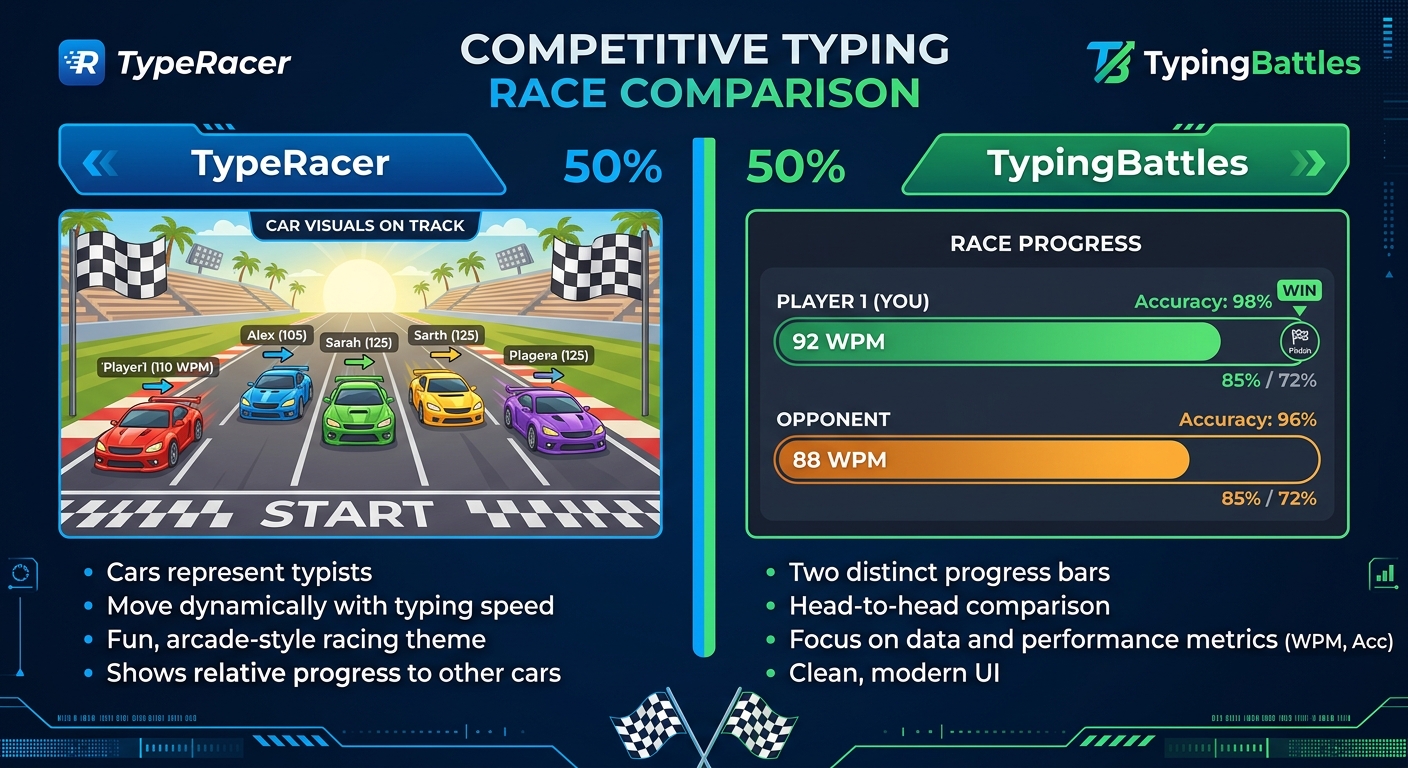
This is the core difference. On TypingBattles, you're racing a person. Someone real. Someone who wants to win.
That changes everything.
When I race a timer, I push myself. But when I race a human, something else kicks in. Adrenaline. Focus. The fear of losing. My WPM on TypingBattles consistently ran 5-8 words higher than my Monkeytype scores. Not because I'm better. Because the pressure is higher.
Four Difficulty Levels
Monkeytype has three difficulty levels (Normal, Expert, Master) that affect word selection. TypingBattles lets you choose from four levels — Beginner, Intermediate, Advanced, and Expert — before you race.
That means you can warm up on easy text and push yourself on hard text in the same session. It's a small feature that makes a big difference.
Zero Friction
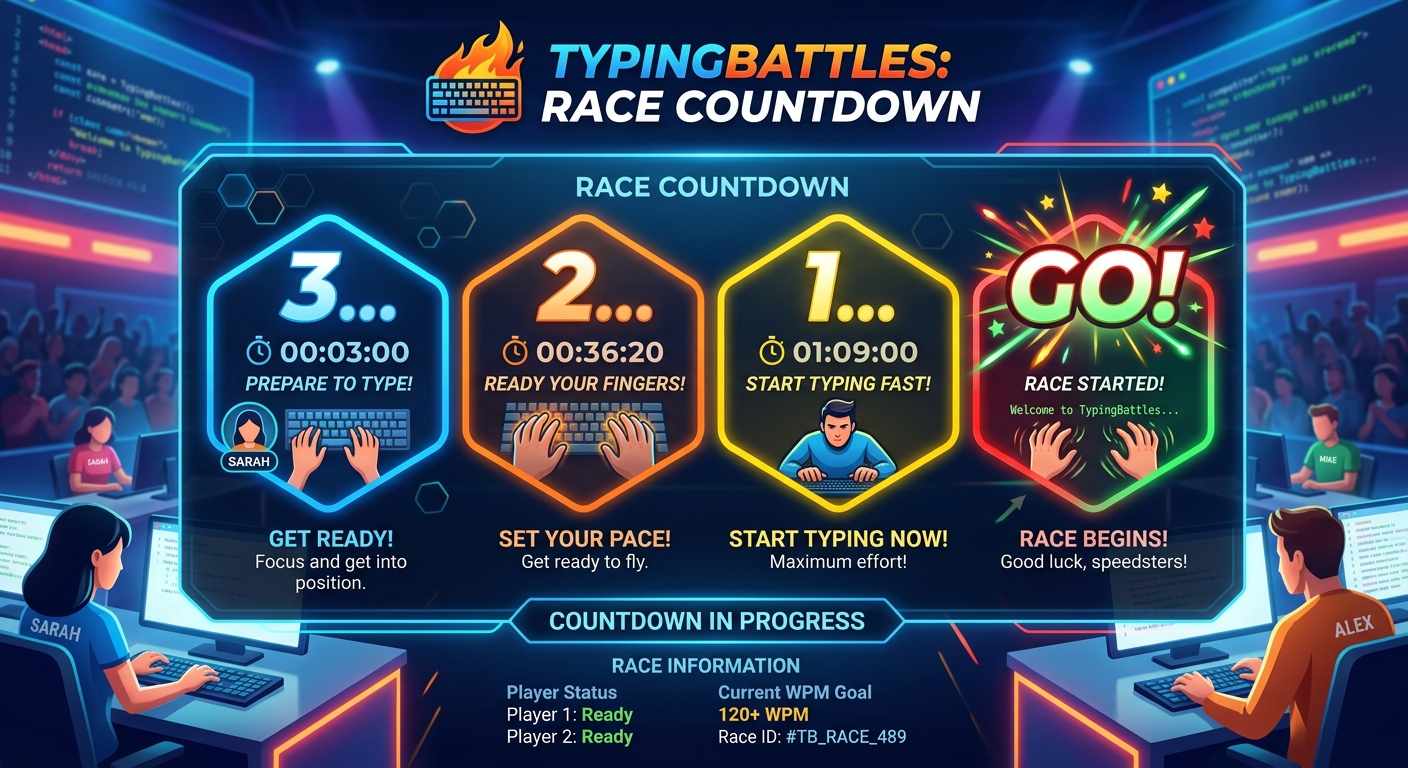
On TypingBattles, you can jump straight into a race with no account, no sign-up wall, and no waiting. You click "Find Opponent," and you're racing almost immediately.
Monkeytype also lets you test without an account. But TypingBattles is built around racing, which means the matchmaking is faster and the experience is tighter.
The Leaderboard Drives You
Every race feeds into a global ranking. You can see where you stand. You can see who's faster. And you want to climb.
That competitive drive is what pushed me harder than any solo test ever did.
My 30-Day Experiment Results
Here's what actually happened when I tracked both platforms.
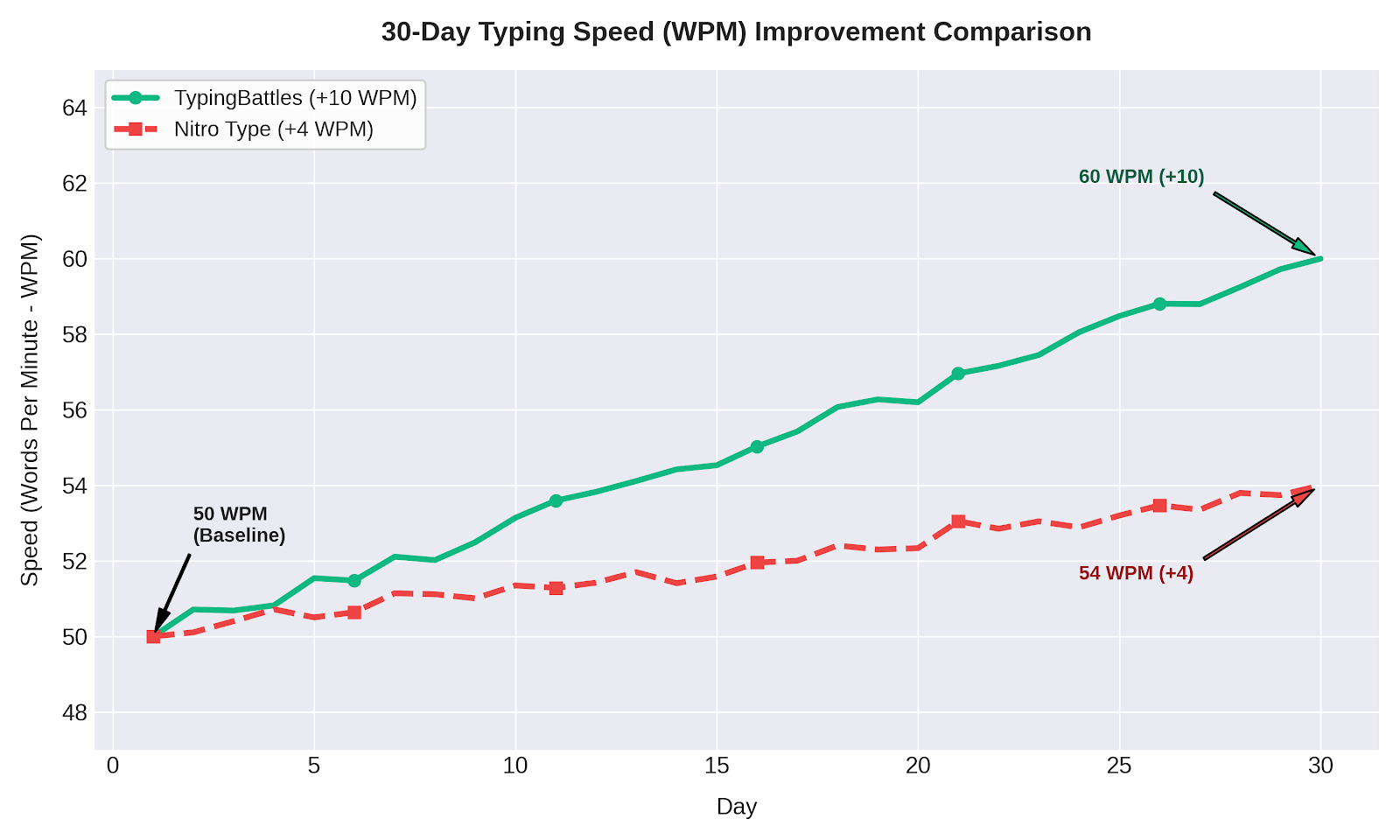
Month 1: Monkeytype Only
- Starting WPM: 78
- Ending WPM: 83
- Improvement: +5 WPM
- Accuracy: 96% to 97%
- Sessions: 30 (daily, 15 minutes each)
The improvement was steady but slow. Monkeytype is great for measuring progress, but the solo format didn't push me as hard as I expected.
Month 2: TypingBattles Only
- Starting WPM: 83
- Ending WPM: 94
- Improvement: +11 WPM
- Accuracy: 97% to 98%
- Sessions: 30 (daily, 15 minutes each)
The improvement was nearly double. Why? Because racing real people forced me to type outside my comfort zone every single session.
Why the Difference?
I think it comes down to pressure. On Monkeytype, if I have a bad test, I just start another one. No consequence. On TypingBattles, if I lose a race, I feel it. I want a rematch. I want to win.
That emotional engagement is what drove faster improvement.
Can You Use Both?
Absolutely. In fact, I recommend it.
Here's my current routine:
- Warm up on Monkeytype. Five minutes of customizable tests to wake up my fingers and check my baseline speed.
- Race on TypingBattles. Ten minutes of real races against real opponents.
- Cool down on Monkeytype. Two minutes of slow, accurate typing to reinforce good habits.
Monkeytype is the scalpel. TypingBattles is the sledgehammer. You need both.
Use Monkeytype to measure. Use TypingBattles to improve. Use Monkeytype to analyze. Use TypingBattles to compete.
The Verdict
If I had to choose one, I'd choose TypingBattles. Not because it's better designed — Monkeytype wins that category. But because it made me faster.
The competition pushed me. The pressure elevated my performance. And the leaderboard gave me something to chase.
But honestly? You don't have to choose. Use Monkeytype to measure. Use TypingBattles to improve. That's the winning combination.
Key Takeaways
- Monkeytype is the gold standard for customizable solo speed testing with 400+ themes and deep analytics.
- TypingBattles adds real human opponents and competition pressure that solo practice can't replicate.
- Monkeytype's default mode inflates scores because it uses lowercase common words without punctuation.
- My 30-day experiment: TypingBattles drove +11 WPM improvement vs Monkeytype's +5 WPM.
- The key difference: Competition creates emotional engagement that solo practice can't match.
- Best approach: Use both. Monkeytype for measurement. TypingBattles for improvement.
Author Bio
Abid is a competitive typist on TypingBattles (105 WPM, 400+ wins). He spent two years on Monkeytype before switching to TypingBattles full-time. His Monkeytype profile is still active. His TypingBattles rank is higher. He credits competition for the difference.
Recommendation
Ready to race real opponents? Find out if competition makes you faster.
TypingBattles is free. No account needed. Just click, race, and see where you stand.