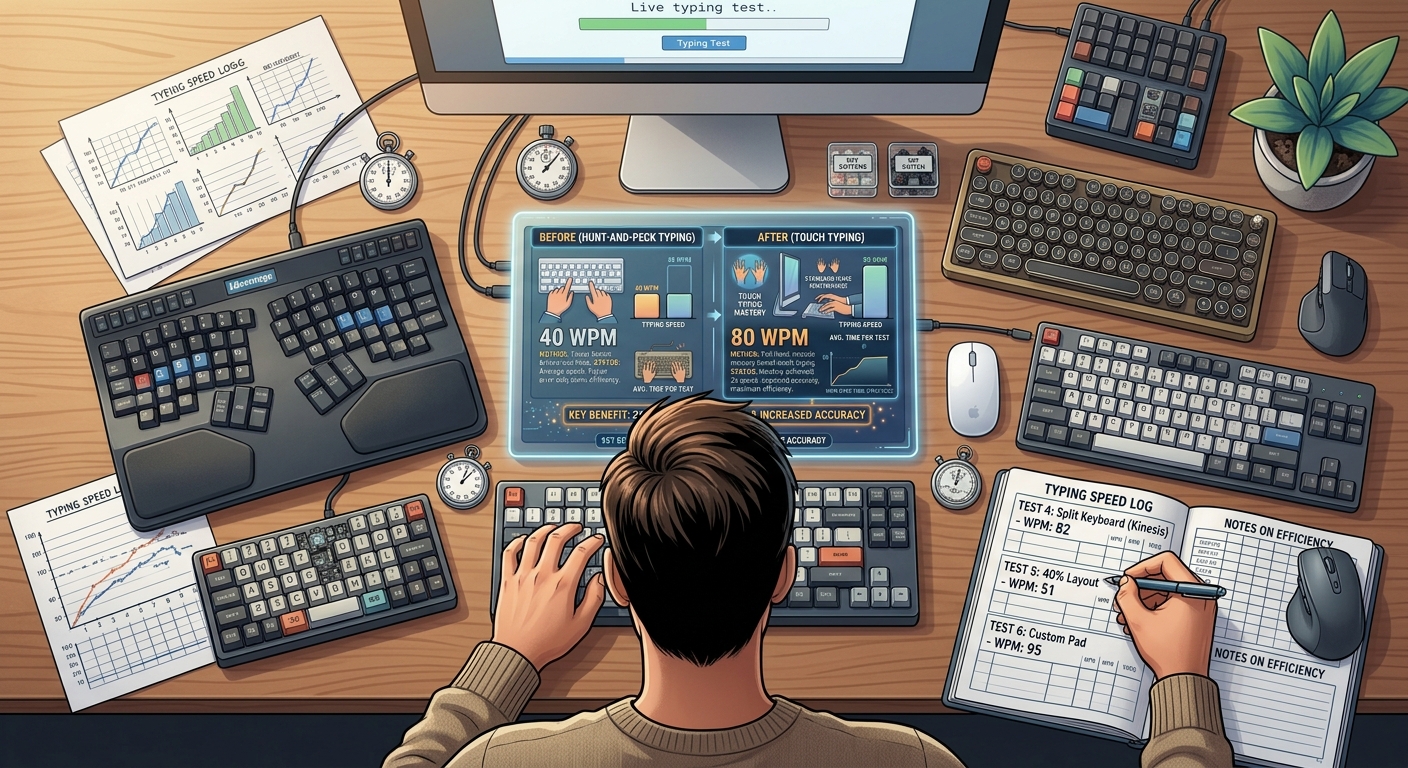
I typed hunt-and-peck for fifteen years.
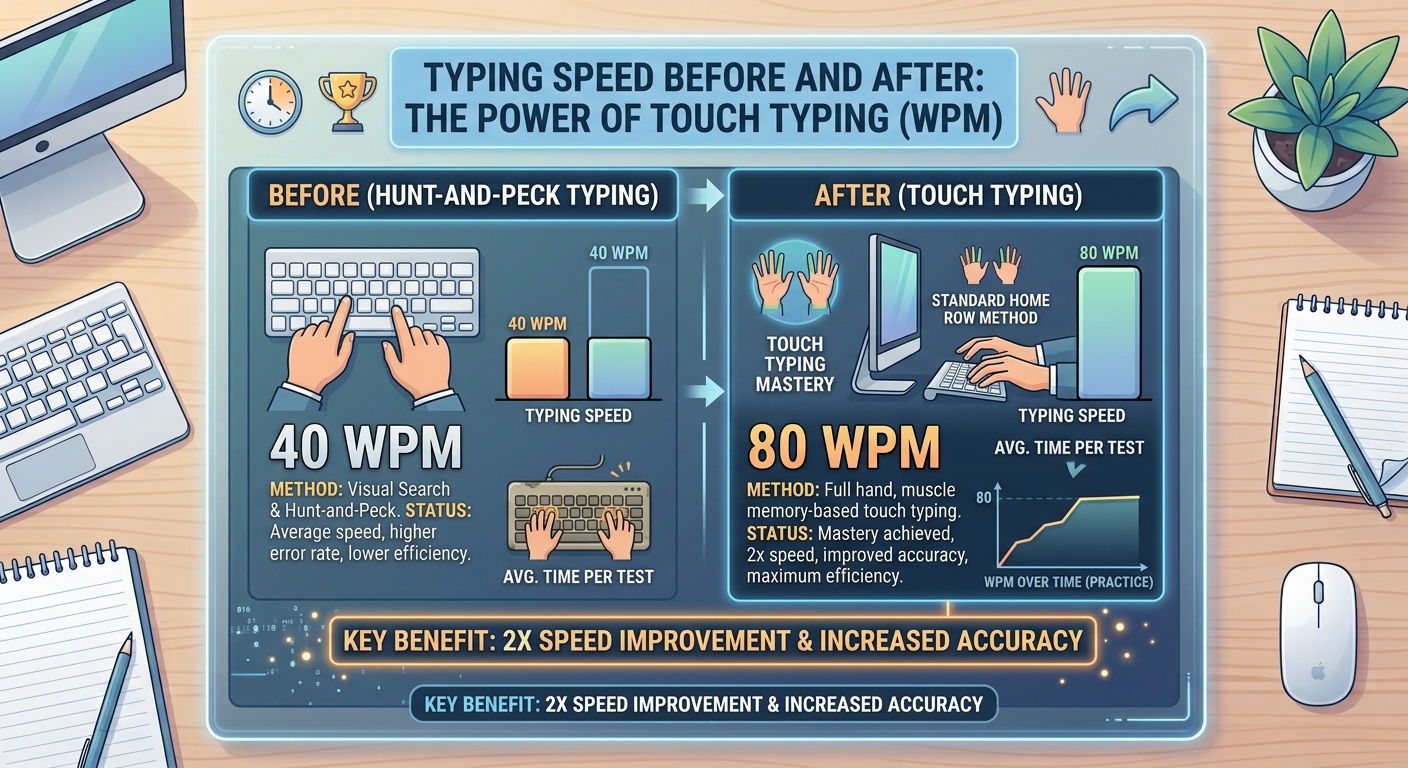
Not because I was lazy. Not because I didn't know better. I just never had a reason to change. I could type at 40 WPM. That was enough for emails, schoolwork, and chatting with friends.
Then I tried to write a 3,000-word article.
It took me four hours. Four painful hours of looking down at my keyboard, finding each key, looking back up at the screen, losing my place, looking back down again. By the end, my neck was stiff, my eyes were tired, and I was ready to throw my laptop out the window.
That's when I decided to learn touch typing. Properly this time.
It was the worst two weeks of my typing life. And the best decision I ever made.
What Is Hunt-and-Peck Typing?
Hunt-and-peck is exactly what it sounds like. You hunt for each key with your eyes. Then you peck at it with one or two fingers.
Most people learn this way naturally. They start using a computer as a kid. They figure out where the letters are by looking. Over time, they get faster. But they never actually learn to type properly.
The characteristics of hunt-and-peck:
- You look at the keyboard constantly
- You use two to four fingers (usually index fingers and thumbs)
- You move your whole hand to reach keys
- You lose your place in the source text every time you look down
- Your eyes bounce between screen and keyboard dozens of times per minute
It works. That's the thing. It's not a failure. It's a functional skill. Millions of people type this way every day.
But it has a hard ceiling.
What Is Touch Typing?
Touch typing is the proper way to type. You use all ten fingers. You keep your eyes on the screen. Your fingers know where the keys are by feel, not by sight.
The characteristics of touch typing:
- You never look at the keyboard
- You use all ten fingers, each with assigned keys
- Your hands stay anchored on the home row
- Your eyes stay on the screen
- Your fingers move independently, not your whole hand
It takes time to learn. It feels terrible at first. But it unlocks a level of speed and accuracy that hunt-and-peck can never reach.
The Real Difference (With Numbers)
Let me show you what the data actually says.
| Metric | Hunt-and-Peck | Touch Typing |
| Average WPM | 30-40 | 60-100+ |
| Ceiling WPM | ~40-50 | 120+ |
| Accuracy | 85-92% | 95-99% |
| Eye movements | Constant | None |
| Neck strain | High | Low |
| Fatigue rate | Fast | Slow |
Here's the key insight. Hunt-and-peck typists almost never exceed 40 WPM, no matter how much they practice. It's not a talent issue. It's a technique issue. The method itself has a speed limit.
Touch typists routinely hit 60-100 WPM. Some reach 120+. The difference isn't talent. It's technique.
Why Hunt-and-Peck Has a Ceiling
There are four reasons hunt-and-peck can't keep up.
1. Visual lookup is slow. Your eyes have to find each key before your finger presses it. That search takes time. Every single keystroke. Multiply that by hundreds of keystrokes per minute, and the delay adds up.
2. You can only press one key per hand. With two fingers, you're limited to two simultaneous keypresses. With ten fingers, you can hit eight keys at once. That's a massive difference in throughput.
3. Your hands travel too far. Hunt-and-peck requires moving your entire hand to reach keys. Touch typing only moves the specific finger needed. Less travel means less time.
4. You lose context every time you look down. When you look at the keyboard, you lose your place in the source text. When you look back up, you have to find your spot. That's a fraction of a second lost. Dozens of times per minute. It adds up to minutes over a long session.
Why Touch Typing Is Faster
Touch typing solves all four problems.
Fingers know where keys are by feel. No visual search. No delay.
All ten fingers share the workload. Faster typing. Less fatigue per finger.
Hands stay anchored on the home row. Minimal movement. Maximum efficiency.
Eyes stay locked on the screen. No context switching. No losing your place.
It's not magic. It's mechanics. Touch typing is simply more efficient.
My Personal Transition Story
Let me be honest with you. Learning touch typing sucked.
Here's exactly what happened.
Day 1: Humiliation
I covered my keyboard with a dish towel. I opened a typing test. I started typing.
My speed dropped from 40 WPM to 14 WPM.
Fourteen. That's not typing. That's fumbling.
I couldn't find the letters. My fingers felt foreign. I was making mistakes on words I'd typed thousands of times. Simple words like "the" and "and." I wanted to rip the towel off and go back to my old way.
I didn't. But I wanted to.
Day 3: The Lowest Point
I typed my first email using touch typing. It was two sentences. It took me six minutes.
My wife asked what was wrong. I told her I was learning to type properly. She laughed. Then she asked if I needed help.
I did not need help. I needed patience. And I was running low.
Day 7: Small Wins
I noticed something strange. The word "the" was suddenly easy. My fingers just knew where to go. So did "and" and "you."
It wasn't much. But it was something. A crack of light in the darkness.
Day 14: The Breakthrough
I finished a typing test at 42 WPM. No looking. No peeking. Just typing.
It was slower than my old speed. But it was real. And I knew it would only go up from here.
Day 30: Surpassing My Old Speed
I hit 58 WPM. That was 18 WPM faster than my hunt-and-peck ceiling. And my accuracy was 96%, up from 91%.
I typed a full article in 90 minutes. It used to take me four hours.
Day 90: A Different Typist
I hit 78 WPM. My accuracy stabilized at 97%. I stopped thinking about the keyboard entirely. My fingers just did the work.
The towel was gone. I didn't need it anymore.
That was two years ago. Today I type at 105 WPM. But the real change wasn't the speed. It was the freedom. I could finally think about what I was writing instead of how I was typing.
The 2-Week Transition Timeline
Here's what most people experience when they switch. Your results may vary, but this is the typical pattern.
| Period | WPM | Accuracy | How It Feels |
| Before switching | 40 | 91% | Comfortable but limited |
| Day 1-3 | 10-20 | 75-85% | Frustrating. Terrible. Embarrassing. |
| Day 4-7 | 20-30 | 85-90% | Slightly less terrible. Small wins appear. |
| Week 2 | 30-42 | 90-95% | Speed is coming back. Confidence builds. |
| Week 3-4 | 42-55 | 93-96% | Past your old speed. It was worth it. |
| Month 2-3 | 55-75 | 95-97% | Real, meaningful gains. Old typing feels alien. |
| Month 6+ | 75-100+ | 96-98% | You've become a genuinely fast typist. |
The dip in the first week is real. It's painful. Every person I've talked to who relearned touch typing describes this as the hardest part.
But it's temporary. And it pays off forever.
Survival Tips for the Transition
These are the things that actually made the difference for me.
1. Cover Your Keyboard
This is non-negotiable. If you can look at the keys, you will. It's like putting a bowl of candy in front of a dieter.
Use a cloth. A dish towel. A small box. Anything that blocks your view of the keys.
The first three days are brutal. By day seven, you'll stop noticing the cover is there.
2. Practice 15 Minutes a Day, No More
More practice doesn't mean faster progress. It means burnout.
The ideal is 15 minutes of focused practice. Every day. No exceptions.
Muscle memory forms during sleep. Consistent short sessions beat sporadic long ones every time.
3. Focus on Accuracy, Not Speed
This was the hardest lesson for me. I wanted to type fast. But every mistake I made was reinforcing the wrong muscle memory.
The rule: type slowly enough that you make no mistakes. It'll feel ridiculous. Do it anyway. Speed follows accuracy. Never the other way around.
4. Don't Switch Back When Work Gets Stressful
The temptation is real. A deadline hits. You need to send an urgent email. You think: "just this once, I'll type the old way."
Don't.
Every time you switch back, you reset your progress. Your brain has to choose between two competing habits. Every hunt-and-peck session weakens the touch typing habit you're building.
Push through. Type slowly. Take longer on the email. It's worth it.
5. Practice with Real Text, Not Just Drills
Drills are useful for the first few days. But real text is what you actually need to type.
Type emails. Type articles. Type messages to friends. The variety of real text teaches your fingers every possible letter combination.
6. Track Your Progress Obsessively
Keep a spreadsheet. Write down your WPM and accuracy every day. Seeing the numbers go up — even by 1 WPM — is motivating.
On bad days, look at the graph. It'll remind you that you're improving, even when it doesn't feel like it.
Is It Worth It?
Let me answer this honestly.
If you type less than 30 minutes a day, no. The transition isn't worth the pain. Hunt-and-peck is fine for casual use.
If you type for work, for writing, for coding, or for competitive typing, yes. Absolutely. The time savings compound over decades.
Here's the math. If you type for 2 hours a day, and you improve from 40 WPM to 80 WPM, you're saving 1 hour every single day. Over a year, that's 365 hours. Over a career, that's decades of your life returned to you.
The two weeks of pain is nothing compared to that.
The Bottom Line
Hunt-and-peck works. Touch typing works better. The switch is painful. The payoff is permanent.
If you're on the fence, my advice is simple. Set aside two weeks. Accept that you'll be terrible. Cover your keyboard. Practice 15 minutes a day. Don't switch back.
On day one, you'll hate it. On day 14, you'll understand why everyone who made the switch says it's worth it.
Your fingers will thank you. Your neck will thank you. And your future self — typing effortlessly at 80 WPM — will definitely thank you.
Key Takeaways
- Hunt-and-peck has a hard ceiling of around 40-50 WPM regardless of practice.
- Touch typing unlocks 60-100+ WPM by using all ten fingers and muscle memory.
- The transition takes 2 weeks of painful adjustment before you surpass your old speed.
- Your speed will drop dramatically in week 1. This is normal. Push through.
- Cover your keyboard. You cannot relearn touch typing while looking at keys.
- Practice 15 minutes a day. Consistency beats intensity.
- Accuracy first, speed second. Every mistake reinforces the wrong habit.
- Never switch back. Even when deadlines pressure you. Stay committed.
Author Bio
Abid is a competitive typist on TypingBattles (105 WPM, 400+ wins). He typed hunt-and-peck for fifteen years before finally learning touch typing in his late twenties. The two-week transition was miserable. The results changed everything. He now coaches friends through the same process and tells them the same thing: don't switch back.
Recommendation
Ready to make the switch? Start by testing your current speed.
Then cover your keyboard, practice 15 minutes a day, and track your progress. In two weeks, you'll wonder why you waited so long.
Read Also
How WPM Is Calculated: The Math Behind Your Typing Score
How to Type Faster: 12 Techniques I Tested for 30 Days
English to Telugu Typing: The Complete Guide You've Been Looking For
Typing Speed Test: The Ultimate Guide to WPM, Accuracy, and Certification
Typer Shark: The Classic Typing Game Where Sharks Attack